

In PUBG, a Thumb Grip and 2x Scope on the Beryl M762 can make it easier to spot enemies showing only part of themselves over a windowsill or fence. The Thumb Grip speeds up your aim-down-sights transition, and the 2x Scope makes your target appear larger once you’re scoped in. A Red Dot Sight may feel more comfortable when you run into someone in a hallway or need to keep several entrances in view at once.
The Beryl is an assault rifle that uses 7.62mm ammo. Its recoil can be tough to manage during sustained fire, so even the same attachment setup can feel different depending on the situations where you tend to miss. When choosing your setup, think about three things: how long it takes to aim down sights, how easily you can find your target on screen, and how well you can keep your aim on target while firing. Where you most often struggle can guide your attachment choices.
The 2x Scope is handy when you’ve narrowed down where an enemy might appear
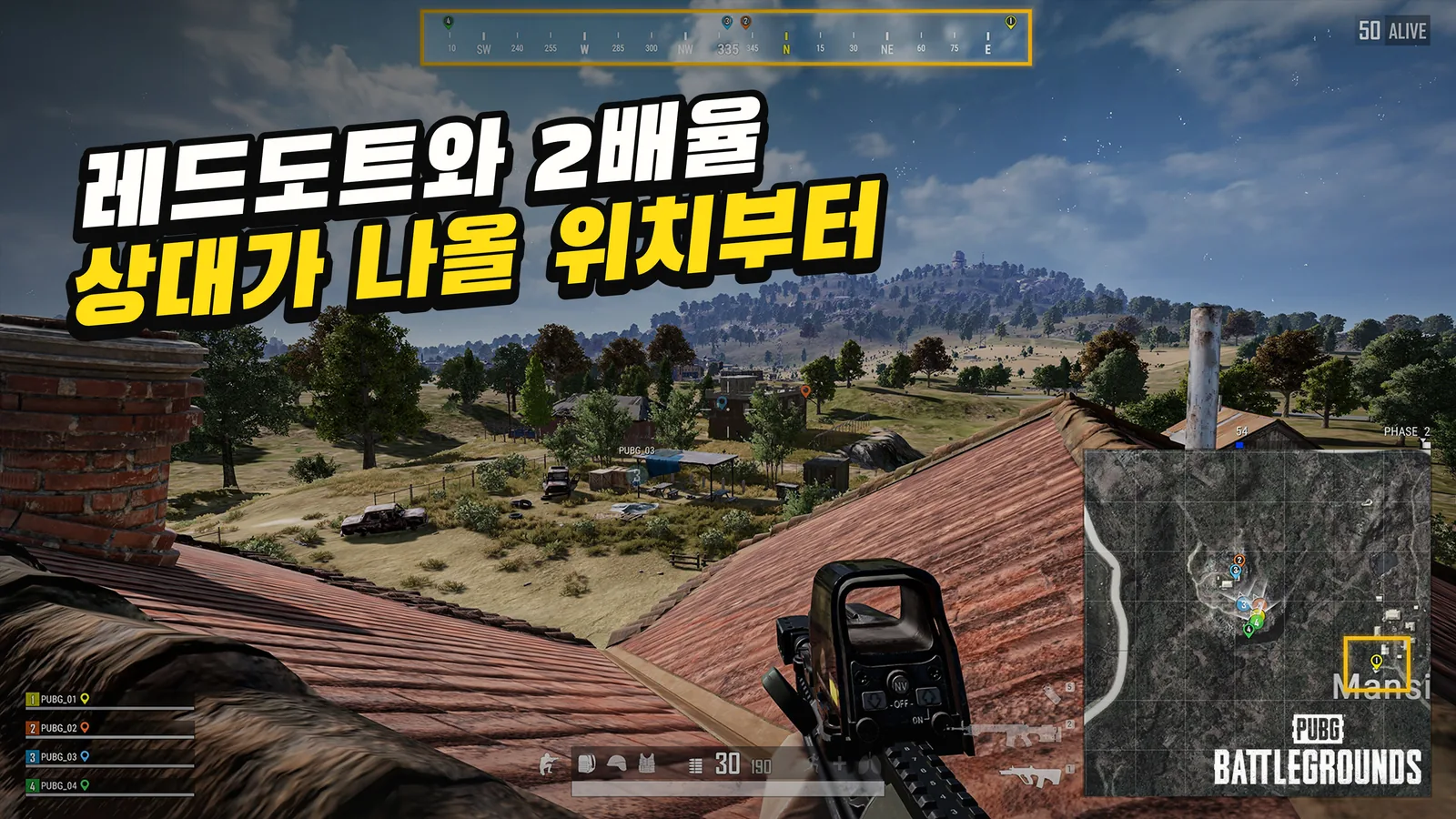
Imagine you know there’s an enemy in a window across the street. You already know where to look, and the window frame limits how much of them you can see. In this situation, aiming with a 2x Scope can make small movements easier to pick out. It can also help you tell whether the enemy is centered in the window or leaning out to one side. The reduced peripheral view while scoped may feel like less of a drawback when you’re watching just one window.
By contrast, when you need to check both sides as soon as you open a door, or track an enemy sprinting across a narrow hallway, a wider view is more comfortable. At higher magnification, a nearby enemy appears to move farther across your screen. If your aim is off, it can take time to readjust. In these situations, a Red Dot Sight often makes it easier to keep the enemy in view and track them.
“Close range” alone doesn’t explain the difference. Even at the same distance, watching one window and checking both sides because you don’t know where an enemy will appear call for different kinds of visibility. If you’re deciding whether to use a 2x Scope, look first at how much you can narrow down where an enemy might appear before you aim, rather than relying on the distance indicator.
| Situation you often encounter in-game | Sight to try first | Why |
|---|---|---|
| You need to watch several places, such as a side room and a hallway | Red Dot Sight | A wider view makes it easier to spot an enemy on screen |
| An enemy is at a window across the street or the end of a fence | 2x Scope | You can see the small exposed area at a larger size on screen |
| Fights alternate between indoors and around buildings | Start with the situation where you miss most often | Compare how often you need magnification with how often you need a wider view |
In a squad, the right choice can vary with your role, even when the team is pushing the same building. The first player in has to check both sides of the doorway and the stairs. The player holding outside and watching a window in the next building is more likely to read a brief glimpse of an enemy. Thinking about the position you usually take with your team can make choosing a sight easier than simply saying, “I take a lot of close-range fights.”
The Thumb Grip and Vertical Foregrip help at different moments
The Thumb Grip is worth trying when you spot an enemy while running or changing direction and need to aim down sights right away. PUBG’s official patch notes say the Thumb Grip’s ADS speed was improved, and later adjustments were made to vertical recoil control and recoil recovery after single shots. If you often snap in and out of ADS with a 2x Scope on the Beryl, start your grip comparison with that motion.
If you usually stay aimed in while waiting for an enemy to appear, the comparison shifts. Once you’ve completed the ADS transition, the bigger issues are the gun kicking upward or the difficulty of tracking your aim. If your shots repeatedly climb above the target, try the Vertical Foregrip first. The Thumb Grip also helps with vertical recoil, but the Vertical Foregrip is a natural comparison when you want to focus on controlling upward movement.
To compare them, keep your sight and muzzle attachment the same and change only the grip. For one test, aim at a target straight ahead and fire a burst. For another, start out of ADS, move your aim to a target off to the side, and try to land the first shot. The first test shows how your shots group during sustained fire; the second shows your ADS transition and first hit. Even if the Vertical Foregrip makes sustained fire feel easier, you may still make more mistakes when you have to aim down sights again in a typical match.
Compare the Muzzle Brake and Compensator by watching both the screen and your shots
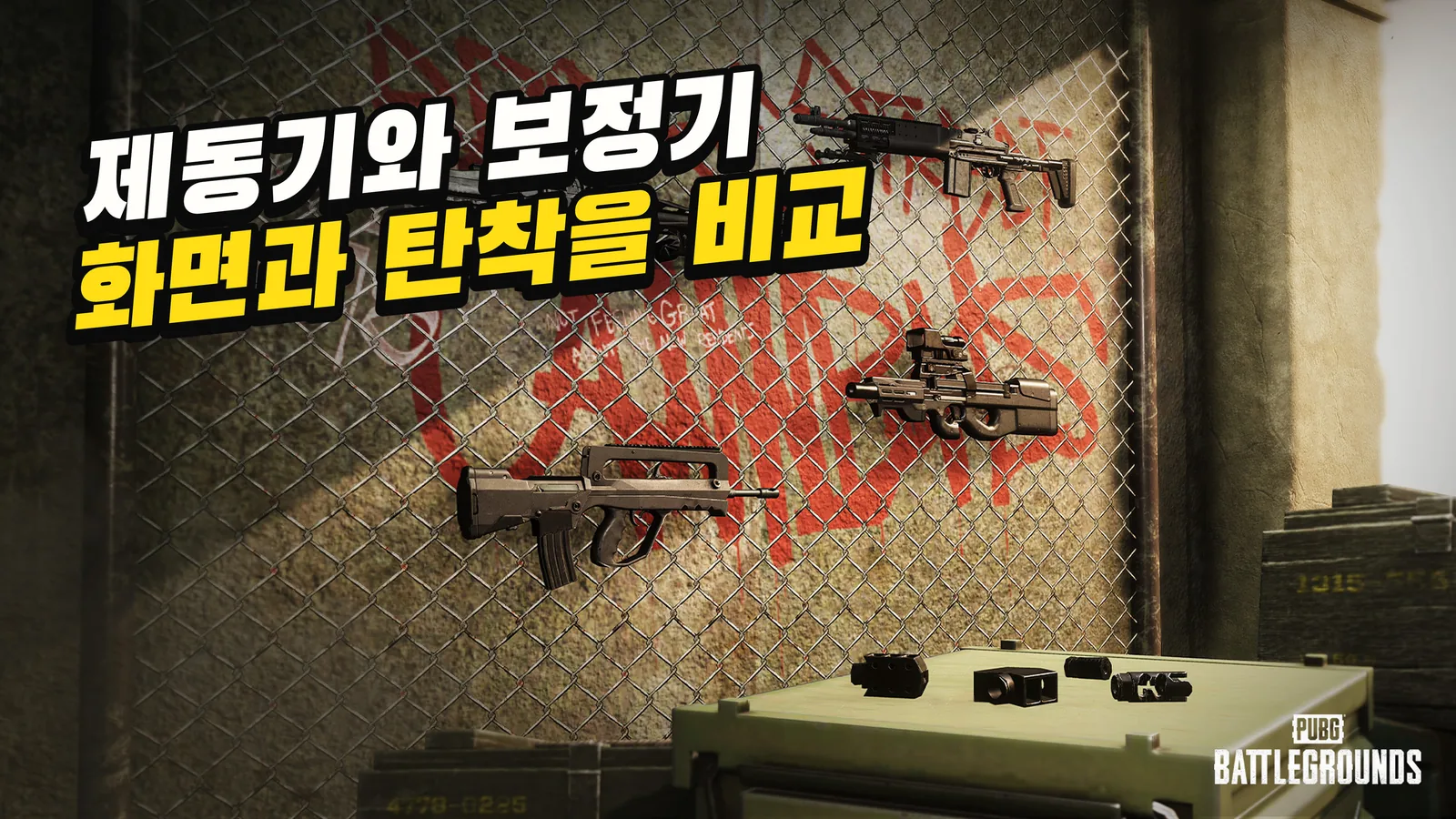
The Muzzle Brake is a muzzle attachment that helps control vertical and horizontal recoil and reduces camera shake while firing. If the view shakes when you fire with a 2x Scope and you lose track of which way the enemy moved, the Muzzle Brake is worth trying first. If you can read the enemy’s movement more easily, it can also be easier to adjust your aim for the next few shots.
When trying the Compensator, fire the same-length burst and see how many shots stay on target. A steadier-looking screen and tighter grouping on target don’t always go hand in hand. For example, if switching to the Muzzle Brake makes the view feel steadier but more shots drift sideways, it’s worth checking again whether it helps against moving targets. Conversely, if the Compensator groups your shots a little more tightly but you often lose moving targets on screen, results against a stationary target alone may not tell the whole story.
Patch version also matters when you look up Muzzle Brake stats. At launch, its camera shake control while firing was listed as +50%; Update 32.1 changed it to +35%. Update 36.1 made a separate change, increasing vertical recoil control from +8% to +10%. Official patch notes treat camera shake control and vertical recoil control as distinct stats. That’s why one older Muzzle Brake stat isn’t enough to decide whether it’s better than the Compensator.
You can still choose a sight when you don’t have every attachment for a fight. If you find a 2x Scope before a Thumb Grip, try it while watching windows, then use the Red Dot Sight you’re used to when you expect to move around indoors. Once you find a Muzzle Brake or Compensator, try it again with the same magnification to get a clearer feel for the muzzle attachment’s effect. Even while waiting for your ideal setup, you can learn which problem each sight and muzzle attachment helps with.
Compare indoor fights and targets through windows separately in Training Mode
Practicing on a single stationary target doesn’t show you everything that sets a Red Dot Sight apart from a 2x Scope. Set up one test where you alternate between several nearby targets, and another where you aim at a small part of a target farther away. Repeat each test several times with the same Beryl and stance so you’re less swayed by one unusually good result.
- Finding nearby targets. Leave the center of your view clear and alternate between targets on the left and right. Notice whether you often have to search again to find where a target went, even briefly.
- Picking out part of a target farther away. Aim at a small area, such as one edge, instead of the whole target. Check whether it’s easier to hit that spot with your first shot and whether the next few shots stay in the same area.
- Losing track of a target during sustained fire. Keep the same grip and sight, then switch between the Muzzle Brake and Compensator. Compare how long you can track the target on screen and how many shots actually land on it.
A simple note like “missed from the first shot” or “first shot hit, then drifted” is enough. If you often miss from the first shot, start by checking whether it’s easy to center the target when you aim down sights. If your first shot consistently hits but later shots drift upward or sideways, switching the grip or muzzle attachment at the same magnification can help narrow down the cause. Keeping notes also lets you compare two setups that produce similar hit counts.
If you use different sensitivities for each magnification, you can start with those settings unchanged. That shows which setup feels more comfortable with your current controls. If you want to change your sensitivity, choose a setup first, then compare it against your familiar settings to see which change helped.
If the two sights still feel similar in Training Mode, choose based on two situations that stand out from recent matches. If you often miss enemies who suddenly appear from a side room, the Red Dot Sight is a comfortable default. If you spend more time trying to spot enemies barely visible through a window or over a fence, the Thumb Grip and 2x Scope are worth trying. After changing your Beryl setup, the first thing to check is whether you can land your first shot more easily in the situations where you used to miss.
