

Pokémon GO's Explorer Gadget adds in-game automatic catch attempts and PokéStop spins without a separate accessory purchase. It is a built-in convenience feature with specific limits, not unlimited automatic catching.
External devices such as Pokémon GO Plus + offer related functions, but the Explorer Gadget needs no Bluetooth accessory. Its daily limits, eligible encounters, and ball restrictions mean the two options are not interchangeable.
What Is the Explorer Gadget?
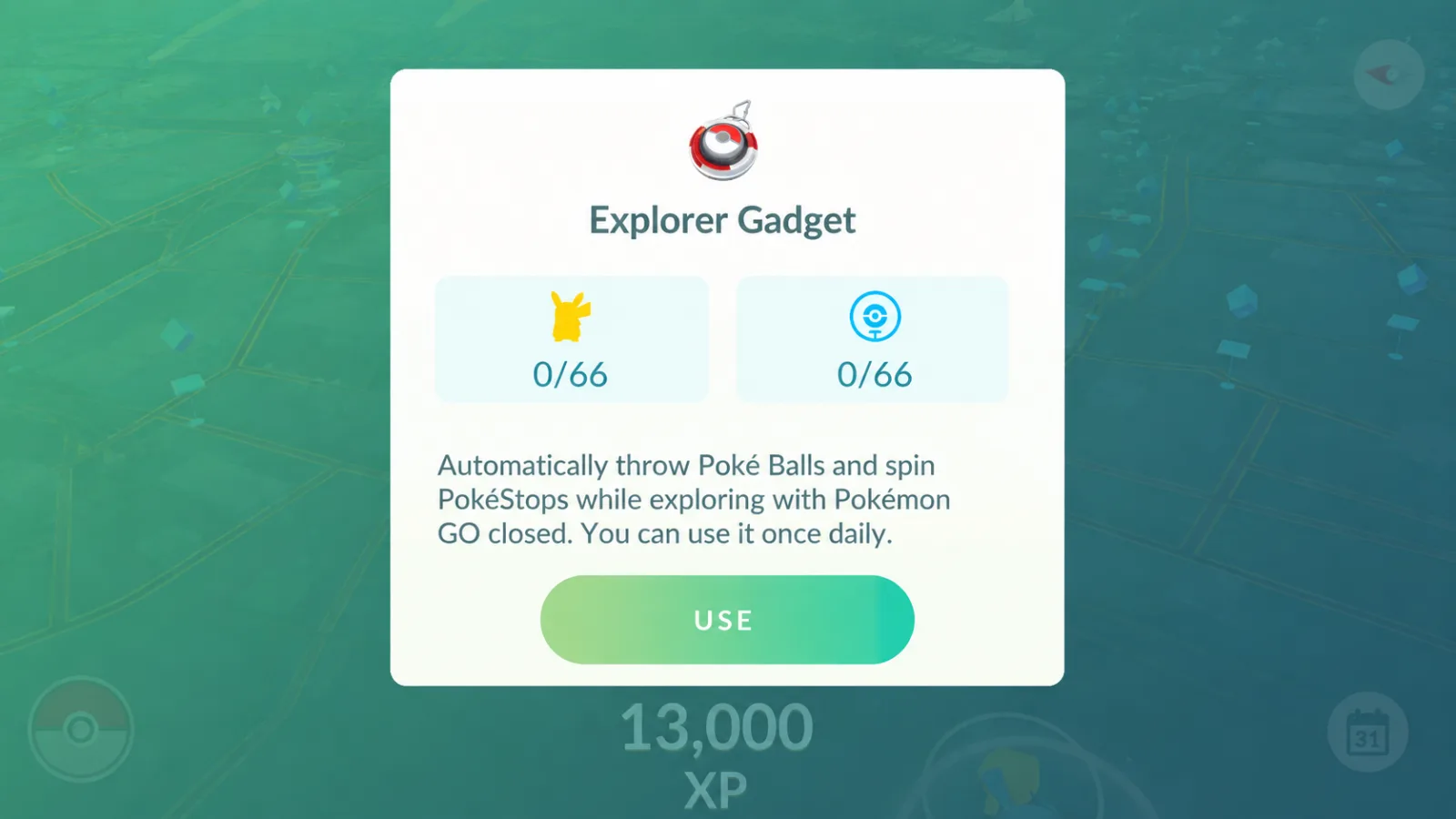
The Explorer Gadget automatically attempts to catch nearby eligible Pokémon with ordinary Poké Balls and spins nearby PokéStop Photo Discs.
It works while Pokémon GO is not actively open on your device. Activate it and carry your phone while walking to let it check nearby encounters and stops in the background.
Its main functions include:
- Automatic catch attempts on eligible nearby Pokémon
- Automatic PokéStop spins
- Background operation while the game is not actively onscreen
- A summary of catches and spins
- No separate Bluetooth accessory required
This is not a way to leave your phone at home and collect remote encounters. You still need to carry the device and explore at a casual pace.
Requirements
You need Trainer level 20 or higher and access through the rollout. An external accessory cannot be active at the same time. You do not need to remove its pairing merely to use the Explorer Gadget.
Check the following before use:
- Trainer level 20 or higher
- Free Pokémon Storage space for catches
- Free Item Bag space for items from stops
- Ordinary Poké Balls for catch attempts
- No accessory actively connected
- Feature access on your account and remaining daily allowance
The official announcement describes a phased rollout. Accounts can gain access at different times, so a friend's visible menu does not establish that every account in the region should have it.
If it is missing after updating the app, check current rollout information rather than assuming your account or installation is broken.
How to Use the Explorer Gadget
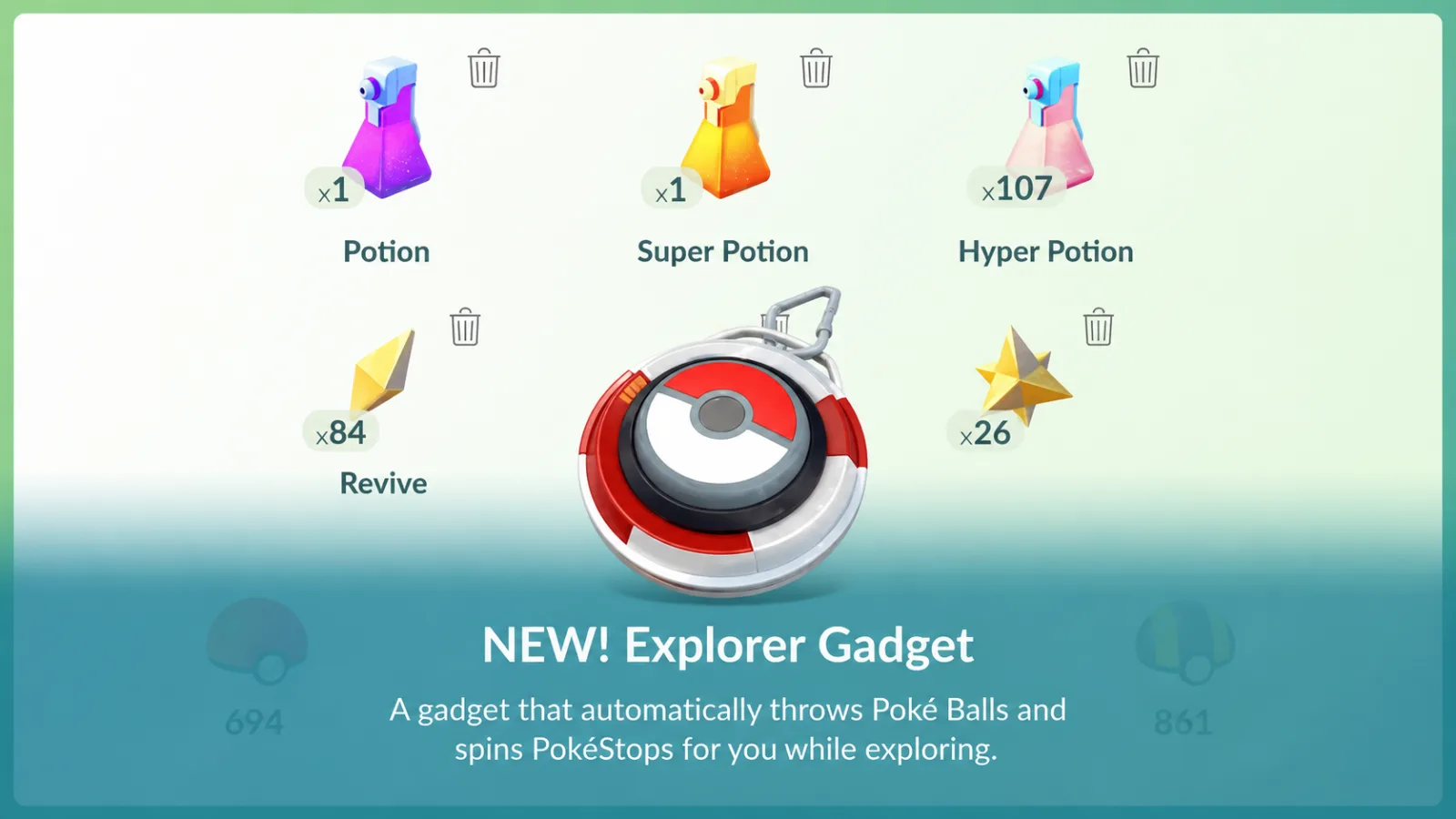
Eligible accounts can use the map's upper-right icon or the Key Items section of the Item Bag. An accessory pairing can affect whether the map icon appears; Key Items provides another entry point.
The basic steps are:
- Open the Explorer Gadget from the map icon or Item Bag's Key Items.
- Select Use in its window.
- Allow the app to run in the background or lock the screen.
- Carry your phone while walking at a casual pace.
- Return to the game to check the catch and spin summary.
The feature's menu supports pausing and resuming. Switching to an accessory is different: the announcement says that stops the Gadget and prevents reusing it until the next day.
If a paired accessory hides the map icon, disconnect its active connection and choose Explorer Gadget in Key Items. Disconnecting is not the same as deleting the pairing.
Checking Results
Returning to Pokémon GO shows a summary of the Explorer Gadget's activity.
The summary lets you review:
- Pokémon successfully caught by the Gadget
- The number of catches
- The number of PokéStops spun
- Catch-attempt results and relevant activity alerts
Gadget catches are listed newest first. Automatic attempts are not guaranteed catches, and you do not choose a Berry or upgraded ball for each attempt. Handle priority rare encounters manually when you want that control.
Does It Catch New Pokédex Species?
The Explorer Gadget excludes certain encounters, including species not yet registered in your Pokédex and mighty Pokémon. Do not rely on it to obtain your first catch of a new species.
Forms can be different: the Help Center says that after catching one Oricorio style, the Gadget can attempt other styles even if you have not caught those forms before.
For a debut or a regional species you need, check the screen rather than assuming auto-catching covers it.
Daily Limits
The Explorer Gadget has daily catch and PokéStop-spin limits. Once its allowed activity is exhausted, it stops for the day.
The official announcement states that these limits depend on Trainer level. The original source described varying account displays; that is not evidence for one universal fixed number.
Use the displayed allowance on your account and current Help Center instructions. Rollout and feature conditions can change, so avoid treating an old screenshot as your current limit.
What Happens If You Have No Poké Balls?
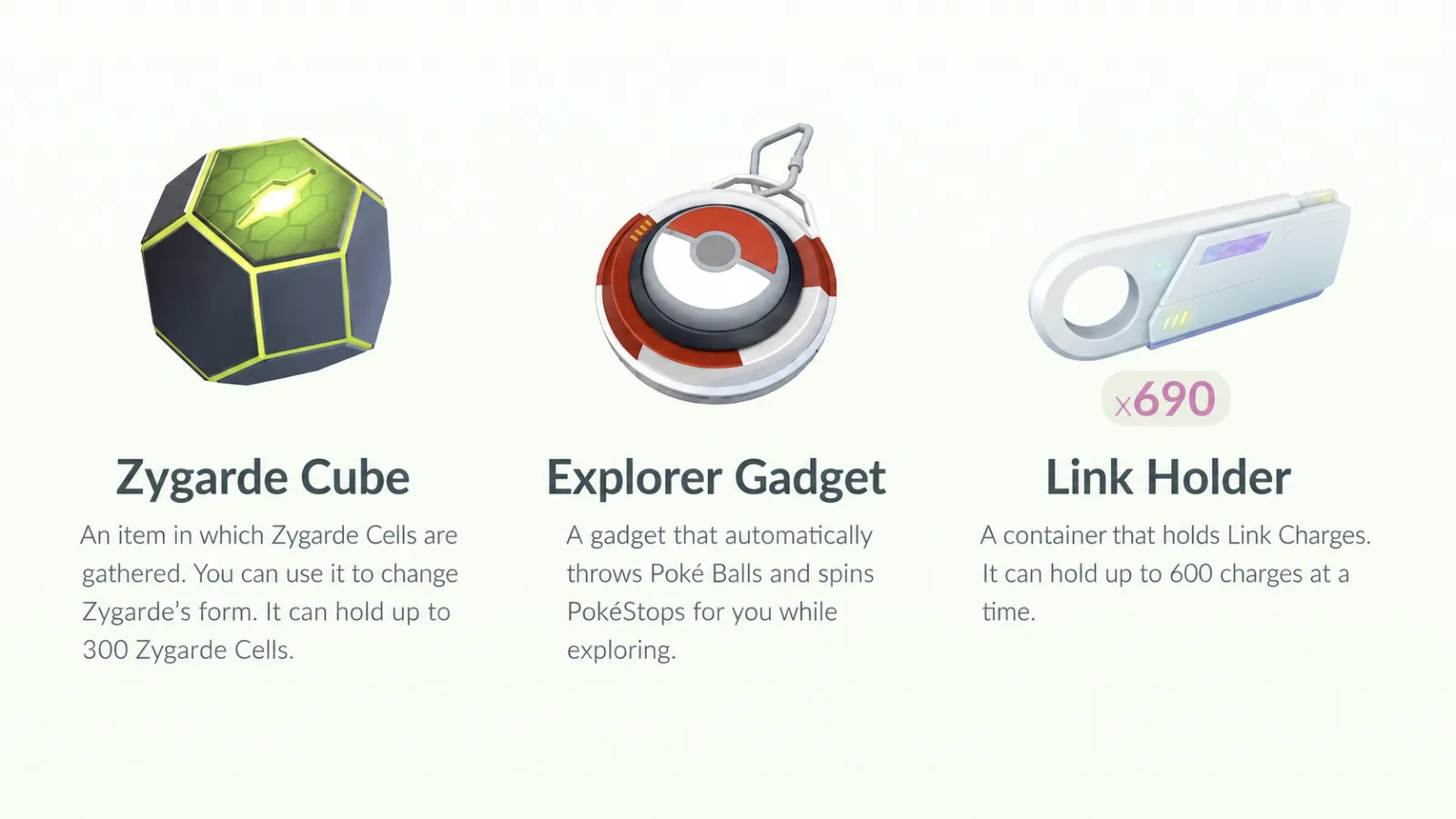
The Help Center says activating the Gadget with no Poké Balls provides some additional ordinary Poké Balls to get started. It does not specify an unlimited supply or authorize using Great or Ultra Balls.
If those balls run out during use, catch attempts cannot continue and an alert appears. Full Pokémon Storage prevents catches; a full Item Bag prevents collecting items from stops.
Before heading out, check:
- Pokémon Storage space
- Item Bag space
- A supply of ordinary Poké Balls
- Location and background permissions
- Battery-saving settings that may restrict background activity
Explorer Gadget vs. Pokémon GO Plus +
| Feature | Explorer Gadget | Pokémon GO Plus + |
|---|---|---|
| How it works | Built-in game feature | A separate paired accessory |
| Additional hardware purchase | Not required | Required for the accessory |
| Automatic catch attempts | Yes, with ordinary Poké Balls | Yes, with ordinary Poké Balls |
| Automatic PokéStop spins | Yes | Yes |
| Daily allowance | A Gadget-specific allowance | Not the Gadget allowance; ordinary game and device limits still apply |
| Great Balls / Ultra Balls | Cannot use them | Available through the accessory's button-based throws, not its automatic mode |
| Pokémon Sleep connection | No | Supported by the accessory |
| Simultaneous operation | Cannot be active with an accessory | Cannot be active with the Explorer Gadget |
The Gadget is a way to try background catching without buying hardware. A Plus + may suit longer sessions or button-based Great/Ultra Ball use, but it is not unlimited and is not a guarantee of better catches.
Who Might Find It Useful?
The built-in option may suit:
- Trainers trying auto-catching for the first time
- Trainers who would rather avoid an accessory purchase
- People fitting routine catches into a commute on foot or a walk
- Trainers taking a break from looking at the screen
- Trainers collecting routine PokéStop items
A physical accessory may better match a different allowance or manual button-based ball choice. Compare the actual features you need before buying.
Limitations to Know
Its lack of a hardware cost comes with several conditions.
It does not cover every encounter, cannot guarantee a Shiny or good-IV catch, and has daily activity limits. It uses ordinary Poké Balls only.
Some accounts may still lack access during the phased rollout. A missing icon is not a reason by itself to repeatedly reinstall the app or change accounts.
Explorer Gadget FAQ
Is it free?
It is a built-in feature requiring no separate physical accessory purchase. That does not remove its daily limits or ordinary game resource requirements.
Can a low-level Trainer use it?
The stated requirement is Trainer level 20 or higher.
Does it work when the game is not onscreen?
It is designed for background use while you carry the device and explore. Location, background, and operating-system restrictions can affect operation; this is not a guarantee after every kind of force-stop.
Can it run with Pokémon GO Plus +?
No. Only one can be active. Keep the pairing if desired, but disconnect the accessory before using the Gadget; switching back to an accessory stops Gadget use until the next day under the announcement's rule.
Why do I not see it?
A phased rollout or an accessory-hidden map icon may explain it. Update the app, check Key Items and the current rollout notice, and confirm your level and connection conditions.
Regional and version notes
English localization reviewed October 23, 2026. Global schedules marked local time use the clock at your play location, including North America. Korean destination activities retain KST. Ended event and reward windows do not reopen through this guide. Recommendations and tier comparisons are the original author’s strategic assessment, not an independently measured current leaderboard or guaranteed outcome. The official Gadget announcement resolves the source’s uncertain limits as Trainer-level dependent, and it uses ordinary Poké Balls only. A paired accessory need not be unpaired, but cannot be active simultaneously. Switching to the accessory stops Gadget reuse until the following day under the announcement’s rule. Plus + is not unlimited and uses button throws, not automatic mode, for Great and Ultra Balls. Some illustrations are retained from the Korean edition and may include Korean labels. Use the English article text for instructions.
Localization sources checked October 23, 2026 (Korea time):