

If you are new to CS2, aim practice is only part of the preparation. Build habits that reduce the sound you give away and help you keep track of information your team collects. Landing shots matters, but aim alone struggles to fix repeated fights taken without knowing where the enemy is.
That is why the most useful beginner tips are the ones that reduce immediate mistakes. Start with what a suppressor conceals, why even easy-to-use guns need the right range, and what you can communicate without a microphone. For the HUD and radar, quickly reading useful information matters more than making the screen look stylish.
Walking quietly does not silence a weapon pickup
Holding walk is a basic way to avoid giving away your position. Reducing footsteps does not make every action silent, though. Picking up a weapon from the ground can give a nearby enemy a clue. Grabbing a better gun during a quiet approach can undo some of the value of that approach.
The lesson is not a blanket rule against picking up weapons. Consider whether your current gun can handle the next fight, whether the enemy already knows your location, and whether a teammate can watch while you switch. Recovering a weapon after a loud fight may be valuable; preserving your hidden position during a flank may matter more.
Reloading also combines sound with time spent unready to fire. The September 22, 2026 update added a quiet reload by holding the reload key, but it is slower than a normal reload. October 28 added a toggle option that keeps the quiet reload going after you release the key. If an enemy is already closing in, concealing the sound may leave you unable to shoot for longer. Stealth is more valuable when you have secured enough time to prepare for the next fight.
Why beginners should usually keep the M4A1-S and USP-S suppressors on
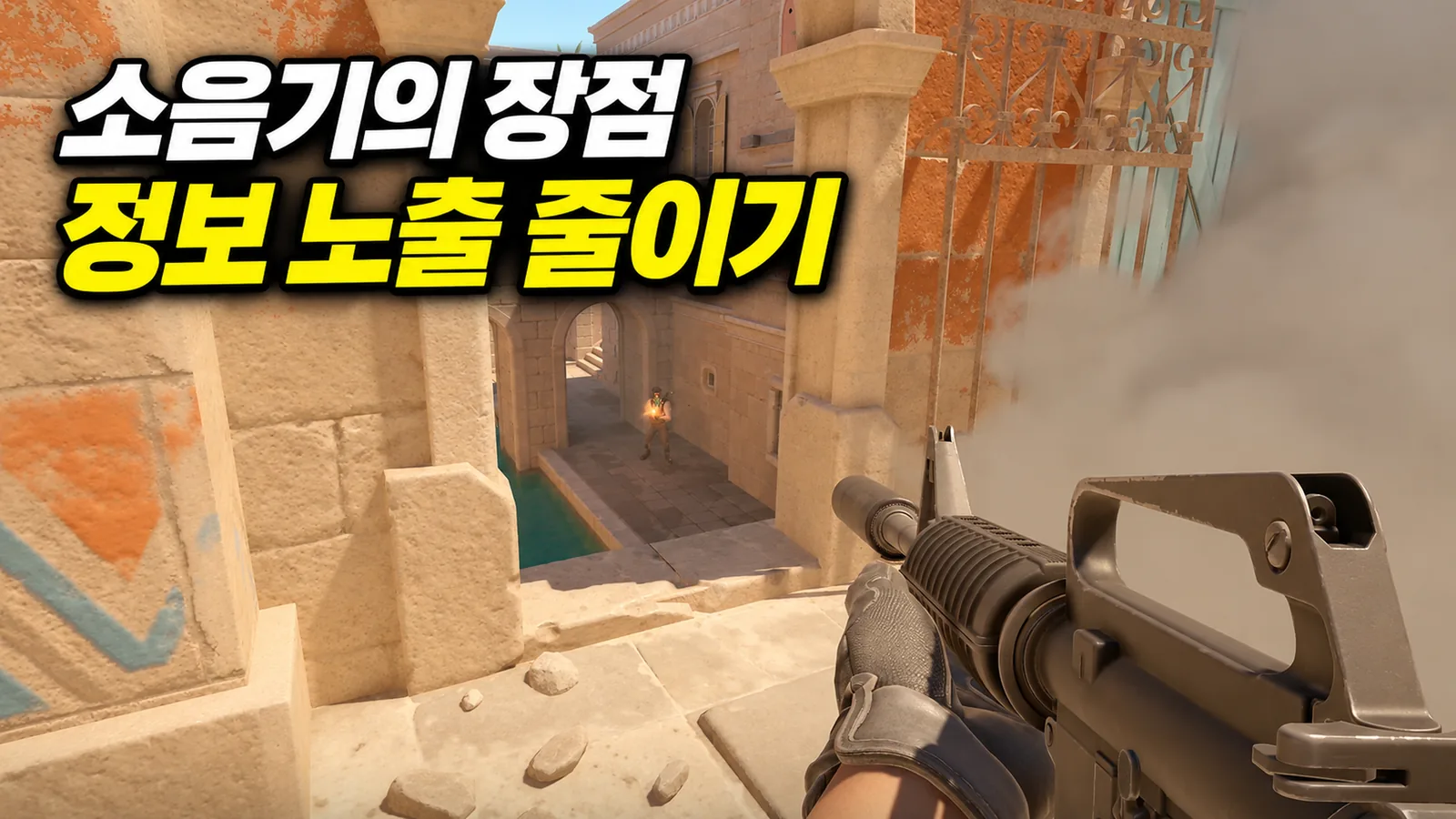
You can remove the suppressors from the M4A1-S and USP-S. It is natural to wonder whether doing so increases their damage, but keeping them attached is a sensible beginner default. Their value goes beyond quieter gunshots.
The M4A1-S's in-game description specifically highlights quiet shots and the absence of tracers. Tracers are the visible effects that show a bullet's path. When firing toward smoke, those paths can help opponents work out where the shots came from. Think of the suppressor as reducing position information through both sound and visual cues.
It does not make you invisible. Nearby opponents may hear you, and impacts or information they already have can still reveal your position. Shooting through smoke is not a guarantee of safety from return fire. The benefit is that you give opponents fewer clues.
At the beginner stage, learn the suppressed gun's recoil and firing rhythm before adding another variable by removing it. If you keep accidentally detaching it with secondary fire, disable M4A1-S and USP-S suppressor detachment in the Items section of the game settings. Adjust that specific function rather than unbinding secondary fire altogether, since you also need it to scope sniper rifles.
Choose a beginner weapon by the range you plan to fight at
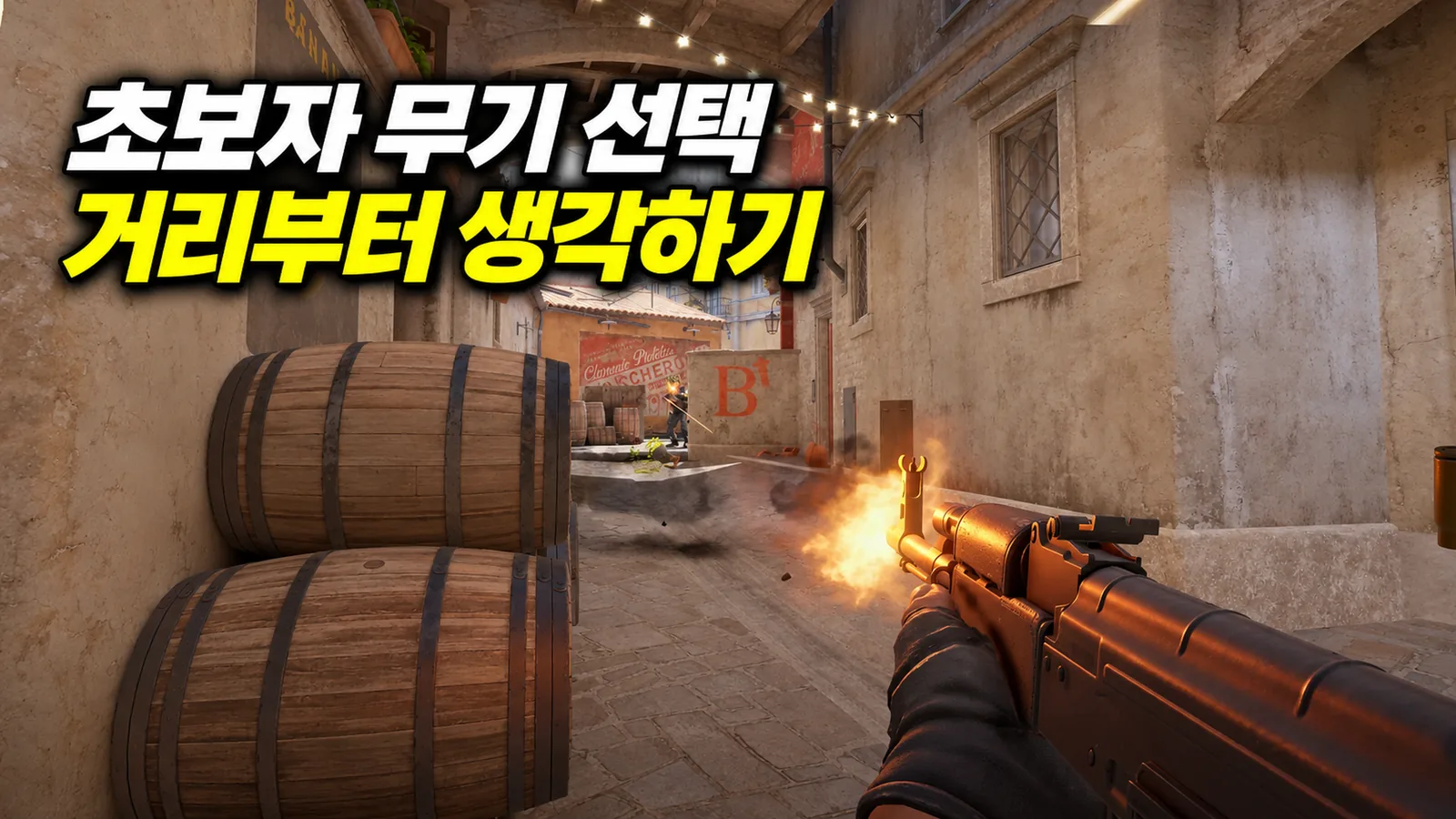
When shots do not land, an easier weapon is an understandable place to look. The XM1014 automatic shotgun is worth considering in close spaces. It lets you follow up after missing a shot and suits narrow entrances or fights around nearby cover. Outside the range where a shotgun excels, the same approach becomes much less effective.
More important than choosing an easy gun is creating a fight that favors it. Buying a close-range weapon gives you little reason to insist on a head-on duel against a rifle down a long corridor. Hold a point the opponent must approach or use cover to limit exposure. If you change guns but keep taking the same fights at the same distances, you will struggle to use their strengths.
| Weapon | Situation to plan for | Common beginner mistake to avoid |
|---|---|---|
| XM1014 | Holding tight spaces and nearby entrances | Chasing distant enemies with repeated shots |
| MP9 / MAC-10 | Fast close-range fights on a limited budget | Taking head-on long-range duels with rifles |
| M4A1-S | CT rifle fights that use the suppressor's advantages | Spraying for too long instead of stopping to shoot |
| AK-47 | Primary rifle fights on the T side | Ignoring recoil and moving accuracy because the gun hits hard |
This table is a guide to roles, not a fixed tier list. A weapon's results change with the map, position, and enemy equipment. Buying a good gun alone does not put the whole team ahead either. Before spending, check whether teammates are saving or buying equipment together.
There is nothing wrong with using an XM1014 to reduce the difficulty of a fight. If you intend to keep playing CS2, though, also learn the basics of the AK and M4 rifles. Keep a close-range fallback while expanding the fights you can take at medium range. A recommended weapon helps you start; it does not replace the practice that broadens your options later.
Armor may matter more than a new pistol in the pistol round
Trying a Five-SeveN or Tec-9 can be useful because they offer different strengths from the default pistols. Recommending a pistol is not the same as recommending that you buy it in the opening pistol round. With little money available, a purchase also includes the armor or utility you give up.
Start by understanding the option of keeping the default pistol and buying Kevlar. It improves your chances of surviving body shots. It does not protect the head, so armor is not permission to expose yourself carelessly.
If the team is preparing a particular entry, carrying a flashbang or smoke can also be a meaningful role. Buying a cheap pistol in a low-economy round to steal an enemy weapon serves a different purpose from the opening-round buy. A useful beginner principle is being able to explain what the purchase is meant to accomplish, rather than automatically buying a particular pistol.
Use pings and chat wheels when a microphone is not an option
Not being able to use voice does not mean giving up on communication. CS2 has pings for marking locations and chat wheels for quickly sending preset messages. Put Player Ping and Chat Wheel binds within easy reach in Keyboard / Mouse settings to reduce the need to type long messages during fights.
Think of their jobs separately. A ping shows the location, while a chat wheel adds an intention such as moving or requesting help. Team chat can give more specific information, such as enemy numbers or a last-seen position. If you see one enemy, “one spotted B” reports what you know. Turning that into “B is overrun” can send teammates rotating on a conclusion your observation did not establish.
More pings do not automatically mean better information. Repeatedly pinging the same spot can mask sounds or make important markers harder to distinguish. Send one clear message, then update it when the situation changes. The goal is to give teammates the information needed for their next decision.
Adjust radar size and map zoom separately
The radar's on-screen size and the zoom of the map inside it are different settings. A larger radar can make icons easier to read; lower map zoom shows more of the map. If teammates on the other side keep falling off the display, adjust map zoom as well as the HUD size.
Open Radar settings under the Game tab. First set the map view so you can read your team's distribution around A and B, then adjust Radar HUD Size so the icons remain readable. The currently supported map zoom range is 0.25–1.0, but the lowest value is not best for everyone. Seeing more area also makes precise positions smaller, so account for screen size and readability.
Dynamic zoom automatically adjusts the view to include detected elements. Alternate zoom and the radar zoom toggle bind let you switch between scales. If automatic changes feel useful, start with dynamic zoom; if you prefer reading positions at a consistent scale, start with a fixed zoom.
Choose HUD color by the same standard. Can you quickly distinguish health, ammo, and equipment on both bright maps and dark interiors? Learn to check the radar in safer moments, such as after moving behind cover or just before choosing a route. Even excellent settings will not help if you are still staring at the map while rounding a corner into an enemy.
Skin shuffle can wait
If you own several skins for a weapon, you can add them to favorites and use its shuffle function. This is a cosmetic convenience, not a reason a beginner needs to buy several skins at the start. It is worth exploring when you want to rotate items you already own.
The first habit to stabilize in CS2 is the process of choosing the next action, rather than chasing one impressive headshot. Think about sound before picking up a gun, choose a fighting distance when buying, and pass on the information the team needs when you spot an enemy. With that process clear, a death becomes more than “my aim was bad”: it gives you an action to change next round. That is the most valuable improvement a beginner guide can support.
