

If your Roblox follower count suddenly dropped, it may be due to a cleanup of follows left by deleted and bot accounts. In a November 23, 2026 announcement, Roblox said it had excluded follows from accounts already deleted. It plans to remove follows from other identified bot accounts over the coming months. Follows from real users are outside the scope of the cleanup, and a lower follower count alone doesn’t indicate an account penalty.
I started off following accounts that have already been deleted.
Roblox has announced large-scale action against bot accounts in August 2026. At that time, it was announced that not only following profiles could be reversed, but also pending friend requests, votes, and group memberships left by bots. A follow-up notice on November 23rd outlined the scope of the cleanup reflected in profile followers in two stages.
| Category | What was confirmed in the notice on November 23rd |
|---|---|
| Follow already deleted accounts | Removed follow history from deleted accounts. |
| Follow additional identified bot accounts | It will be removed over the next few months following notification. |
| Follow and participate from real users | It is excluded from this round-up. |
The timing of cleanup and amount of reduction may vary from account to account. The numbers may change more significantly for profiles that bots have visited and followed in the past or for profiles that have accumulated purchased followers. It's also difficult to interpret someone's loss of followers as evidence of a transaction, since the fact that a follower has been removed alone doesn't differentiate the two situations. Roblox has revealed its overall cleanup direction, but has not released a schedule for how many individual profiles will be removed on any given day.
Roblox also announced that it is developing a feature that will allow you to set the ‘Follow’ button as the main action button on your profile. This is a separate feature from cleaning up bot followers, and no release date is given in this announcement.
How to distinguish between follower loss and account health
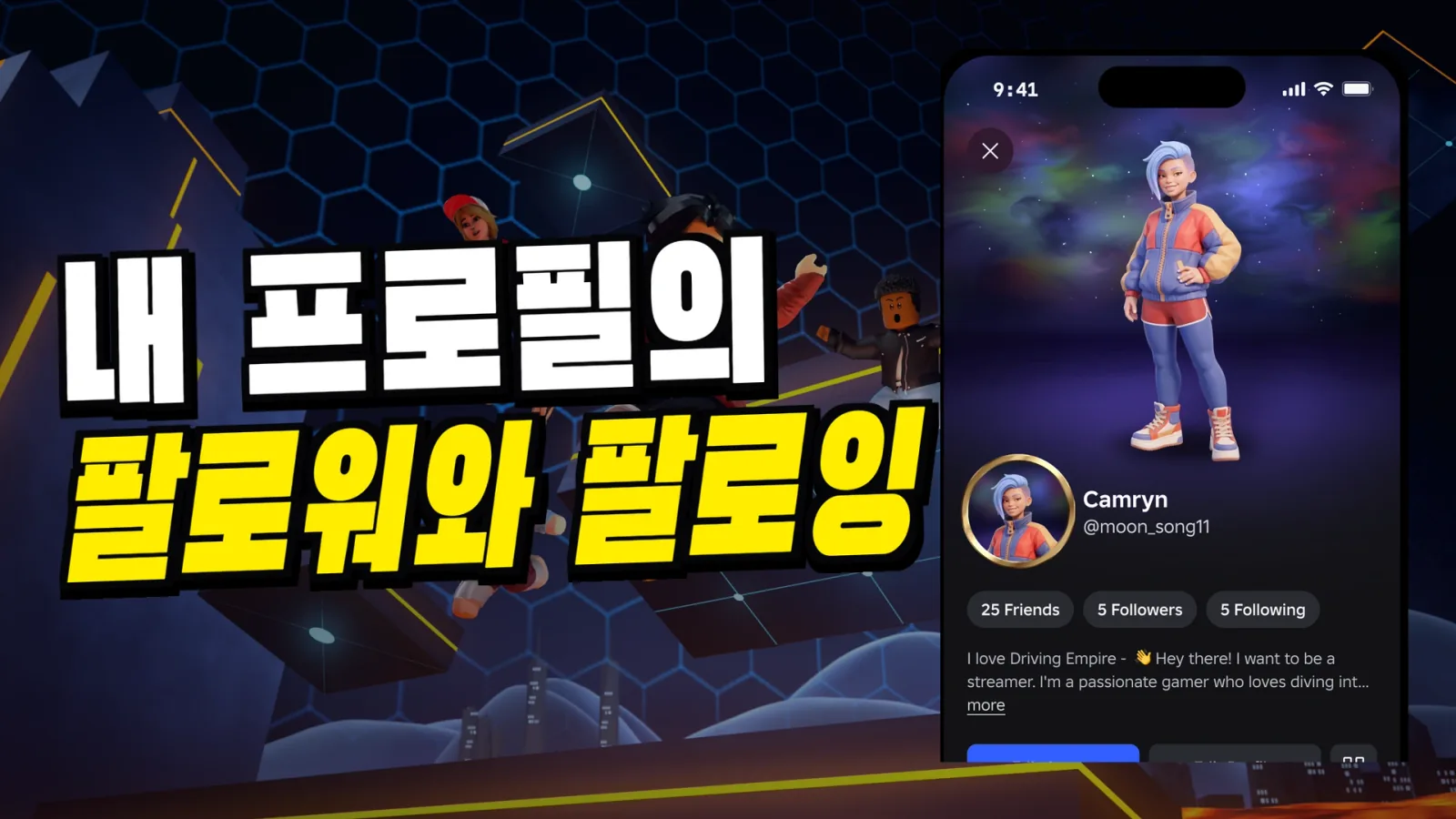
In the profile, ‘follower’ refers to the account that follows you, and ‘following’ refers to the account that you follow. If the number of followers on your profile has decreased, first you need to identify which number has changed. If you're curious about whether a friend follows you, it's best to look for that account in your profile's follower list.
For example, let's say that your profile, which was only visible to acquaintances, suddenly gained a lot of followers a few months ago, and some of them disappeared during this cleanup period. The numbers at both points are consistent with the possibility that the bot followed first and then was purged. However, the total alone doesn't tell you whether you've lost followers from deleted accounts, newly identified bots, or even people who actually unfollowed you in the meantime. Roblox's guidance is that users do not need to do anything to simply change the tally.
There are separate standards for account security. If you have logged in or changed your account information without your permission, or if you have passed your password or browser cookie that maintains your logged in status to a site that claims to restore followers, we recommend that you change your password and set up two-step authentication in Settings → Security. To turn on two-step verification, you'll need a verified email address. Buying and selling followers is a violation of Roblox policy, and paid followers are also subject to liquidation.
Game operators should look at follower and referral inflow separately.
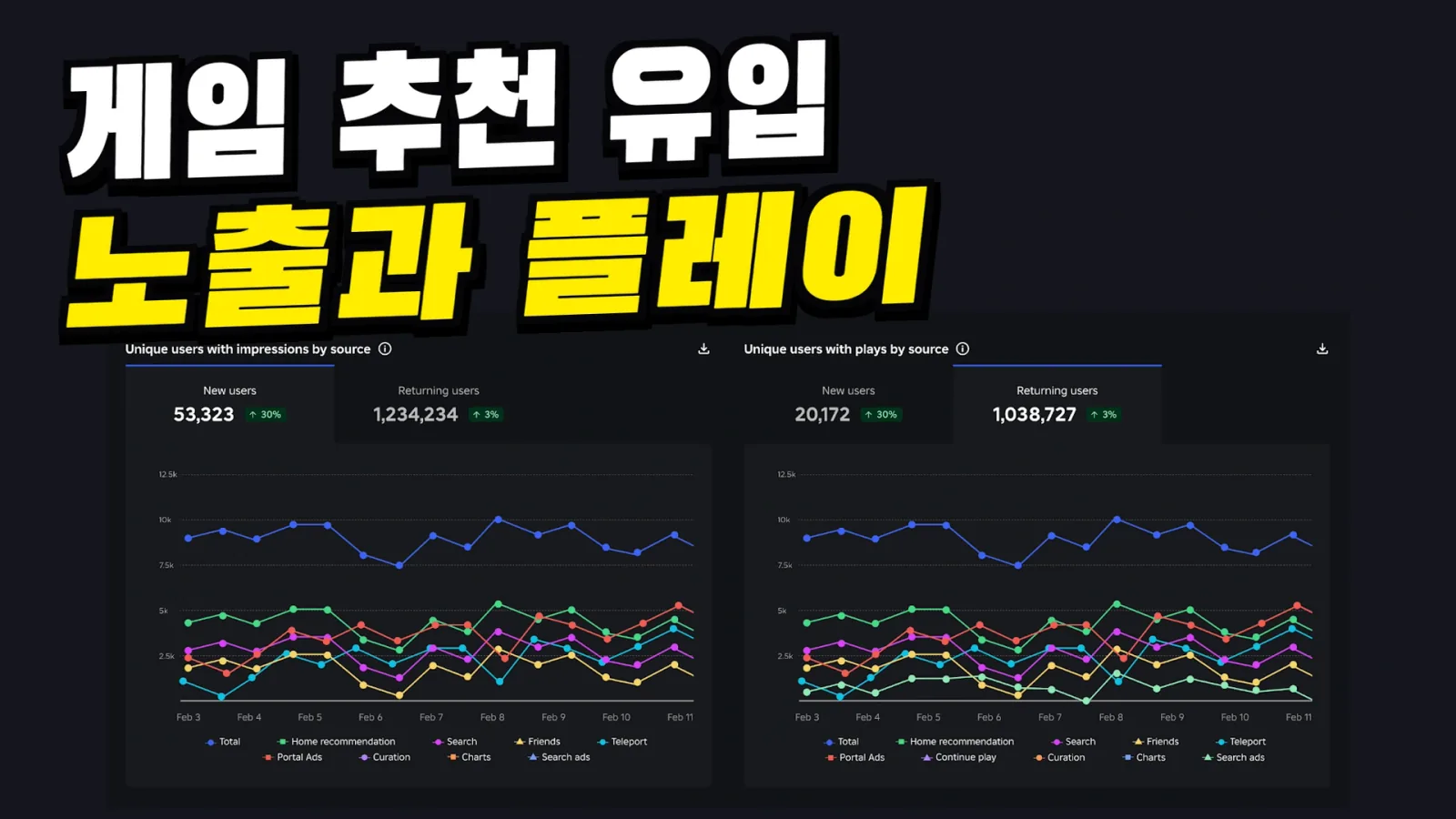
Profile Followers show relationships between accounts, and Game Analytics' Visits and Plays metrics aggregate activity in games. While we remove bot accounts, some games may have their existing visit counts modified or concurrent player counts change. Roblox explained that it is excluding already identified bot participation from Home’s ‘Recommended For You’ and that this cleanup does not change the Discovery ranking method used to search and recommend games.
For example, let's say a creator releases a new map over the weekend and notices a drop in profile followers that week. To see if you're actually seeing a decrease in impressions from home referrals, go to Creator Dashboard → Your game → Analytics → Acquisition and compare Home referral impressions and users playing for a period that includes the same days of the week. If the home recommendation exposure is similar, but the number of users who play the game has decreased, it is time to look at changes after exposure. If home recommendation exposure itself has decreased, you can compare other inflow channels to see where the decrease is concentrated.
If there was an event end or ad break between the two points, it would be a good idea to record the date as well. During periods when historical tallies can be corrected through bot cleaning, it is difficult to point to one cause simply because the indicators moved in the same week.
What to watch when your follower count changes
If only your profile followers have decreased, you can view it as a change in aggregate that may occur during the cleanup period and use it as usual. If there is a login or change that you did not make, check your account security first, and if you are curious about the game performance, compare the inflow and play during the same period. It is easy to select the necessary response by distinguishing which indicators on which screen changed when the number decreased.
